


Manage all your content displayed on any type of digital signage screen, wherever it is. Centrally schedule your digital communication with Linutop's digital signage solutions.
Linutop OS is an operating system for PC (based on Ubuntu XFCE LTS 18.04) or Raspberry Pi (based on Raspbian Buster). It allows you to quickly set up:
With Linutop Kiosk: information, orientation, entertainment or advertisement; manage multiple screens with Linutop TV.
Easy to configure, with whitelists/blacklists of websites - ideal for online catalog consultation.
Maintenance-free desktop, measurements (network probe, temperature), thin client (company, production line), old PC recycling.

Small and requires minimal processing power - fast to install and run.
No virus, no maintenance.
Powerful integrated application to set up a digital signage screen and/or secure Internet access, full screen and LED panel compatible.
Can be installed on a PC or a Raspberry Pi by replacing the old operating system.
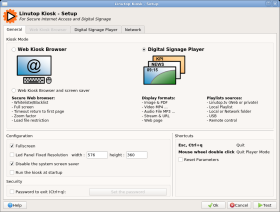
Linutop Kiosk is a software that allows you to set up your computer as an Internet kiosk or digital signage screen: starting page, whitelist/blacklist, automatic display of images, web pages, videos and PDF. Compatible with Linutop.tv for multi-screen management.
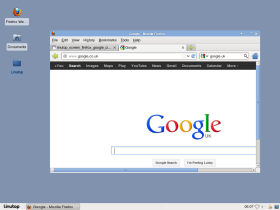
Linutop OS comes with Chromium and Firefox, configured with pre-installed extensions to access various web content (Flash, PDF, documents). Can be configured as a kiosk or a ready-to-use Internet access point.
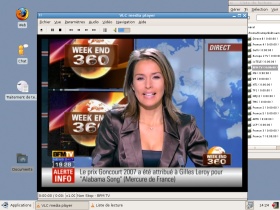
VLC can read a wide variety of audio and video formats (AVI, Xvid, DivX, MP3, MPEG...), as well as audio streams, network radio and webTV. The Linutop can be used as a robust and professional multimedia player.
Libre Office is compatible with the Microsoft Office suite, the most widely used in business. You can read and edit Word, Excel or PowerPoint documents. The Linutop can be used as a full office computer.
Digital signage replaces printed boards with the ability to display media on a screen to communicate graphically. It usually requires a digital signage platform in two parts: a player and a server. Some solutions are SaaS (online), others on-premise with a local server - Linutop provides the same digital signage software either way, so customers can choose in-house or online management of their screens.
Raspberry Pi digital signage mixes the cost-effective Raspberry Pi with a compelling software solution. Linutop TV is an interesting solution with the flexibility from SaaS to on-premise, letting the customer choose, and the stability allows a good TCO (Total Cost of Ownership) over time.
Digital signage for internal communication is a growing trend among companies to improve company image and employee satisfaction - for example a digital food menu board or a digital lobby welcome screen.
Inform or remind in order to save time, improve corporate image, celebrate employees' successes, and illustrate company values.
The flexibility to quickly display information at different locations (entrance, buildings, library) improves image and internal communication efficiency. Many schools use Raspberry Pi digital signage as a cost-effective and even educational solution.
The best digital signage software for schools must factor in hardware and support/maintenance costs, not just the software price - Linutop's solution is a compelling balance between cost and ease of use.
The "Linutop Setup" menu, displayed on startup, lets you easily configure your Linutop.
Local settings : software pre-installed in 5 languages (English, French, German, Spanish, Italian), other translations available.
Display : 15" (640x480), 22"/wide (1680x1050), HD (1920x1080), MAX (1920x1440).
Auto started application : automatically launch an application (Firefox, a looping video, Linutop Kiosk...) - very useful for public access.
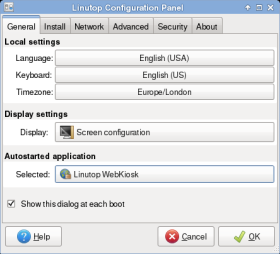
General tab
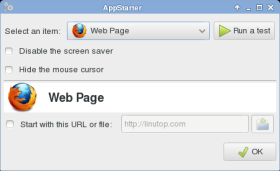
Selecting auto started application
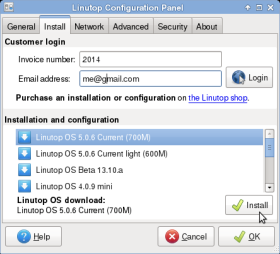
Download service : a simple or use-specific image, installable on an external USB key.
Setup : download a configuration to set up your Linutop in one click.
More technical details on our wiki: AdvancedUse.
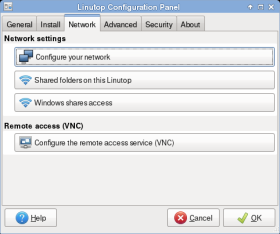
Network settings (static IP or not, DNS, proxy...), access to Windows shares over the network.
Backup : back up your system to an external USB key, usable to restore the configuration later (or turn the Linutop into a file server).
More technical details on our wiki: AdvancedUse.
By default, only user settings persist across restarts. With "full persistence system" checked, all changes are kept at next startup.
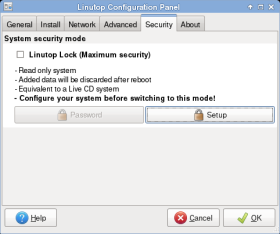
Once customized, the system can be password-locked (Linutop Lock mode) for maximum stability and security.
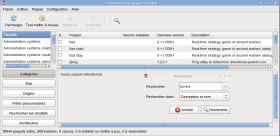
The Linutop system is based on Ubuntu. Synaptic, delivered with the Linutop, gives access to the largest library of free software (Skype, ktorrent, a TSE client...).
The Linutop comes with drivers for many printers, wifi keys and touch screens, easy to add to.
Based on Ubuntu, Linutop OS is optimized to run on small flash memory, robust and easy to use. You can replace the distribution with your own (Debian...), on the internal memory or an external device. BIOS/PXE options at startup: [DEL] to change boot priority, [Shift]+[F10] for network boot, [F4] to save your configuration.
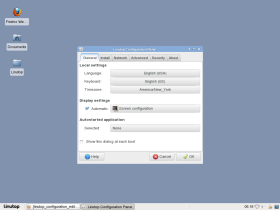
Configuration Editor
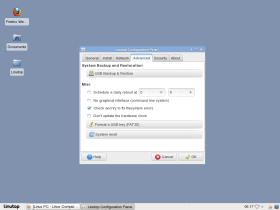
Configuration Editor (advanced)
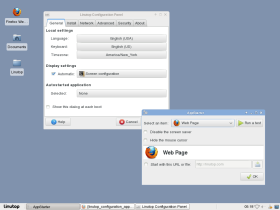
Application Starter
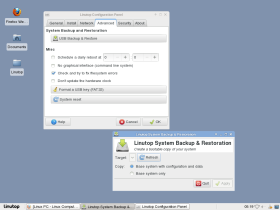
Backup & Restore
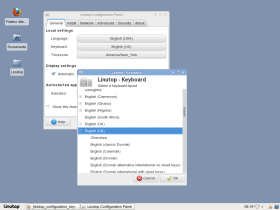
Keyboard Configuration
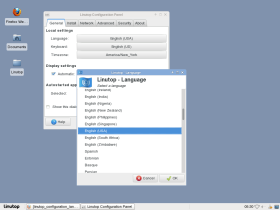
Language Configuration
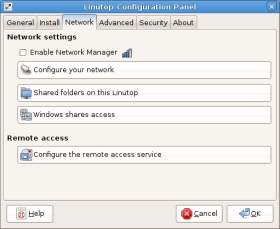
Network Configuration
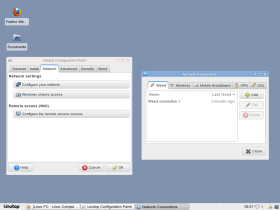
Wifi Configuration
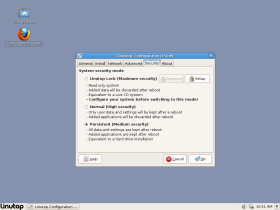
Security Configuration
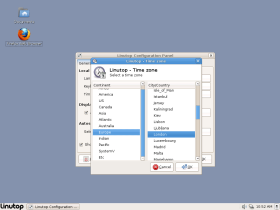
Time Zone Configuration
Firefox
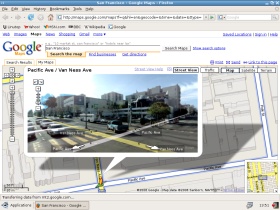
Google Street View
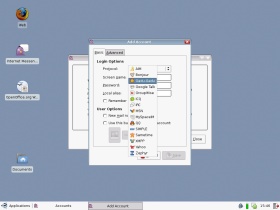
Messenger
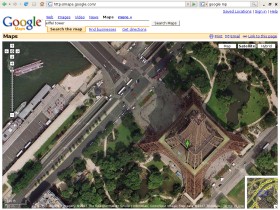
Google Maps
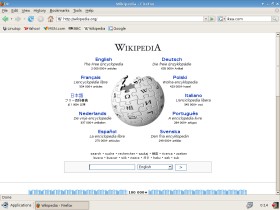
Wikipedia
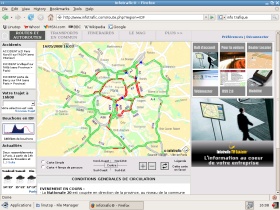
Traffic info
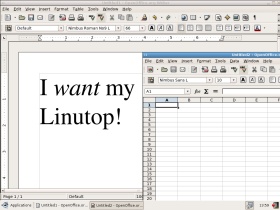
Word Processor
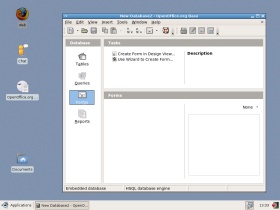
Database
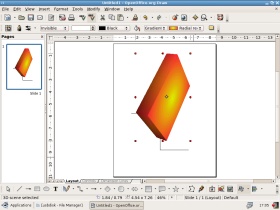
Graphs
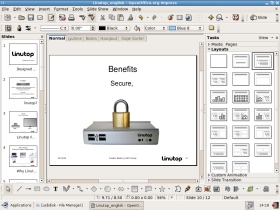
Presenter

Synaptic
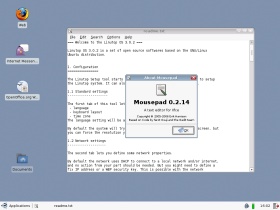
Text Editor
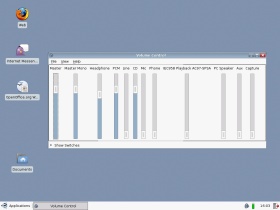
Volume Control
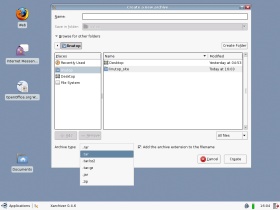
Xarchiver
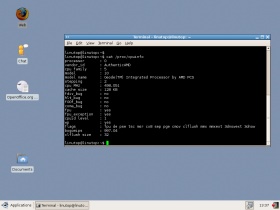
CPU Info
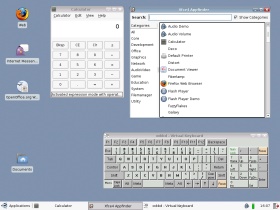
Desktop Tools
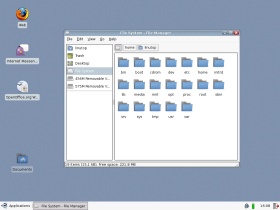
File Manager
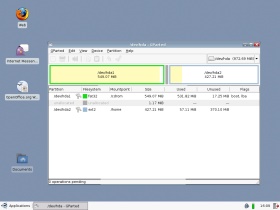
Partitions Editor
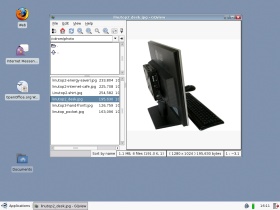
Picture Viewer
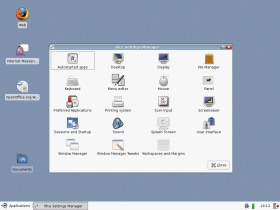
Settings Manager
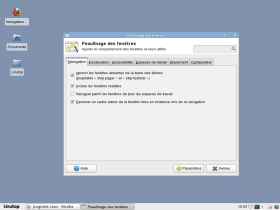
Window Manager
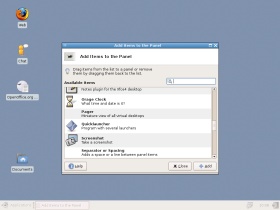
Panel Configurator