


Appnr: Easy Web Installer for Ubuntu and Its Derivatives
Although Ubuntu and its derivatives sport powerful command-line and graphical tools for installing software, they can be slightly confusing for Linux newcomers. Enter Appnr, a sleek and user-friendly Web-based service that allows you to easily find the applications you need and install them with a single mouse click.
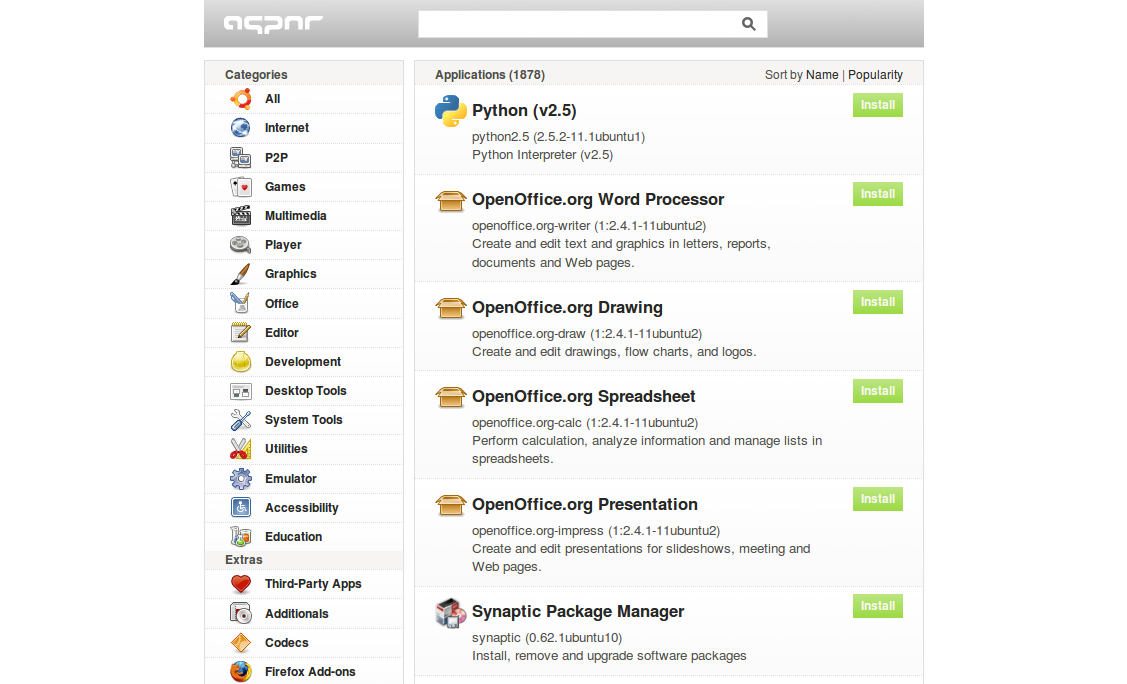
All applications and utilities listed on Appnr are organized in sections, and you can sort the list of the available software by name or by popularity. Obviously, you can also search for a specific package using the search field. While Appnr provides an easy way to find and install software, you need to tweak your Ubuntu system to make it work. First of all, install the apturl package. To do this, run the following command in the terminal:
sudo apt-get install apturl
Then you have to add the AptURL protocol in your browser. If you are using Firefox, enter about:config in the Location bar. Right-click somewhere on the page and select New –> String.
Enter network.protocol-handler.app.apt as the name of the string, press OK and enter /usr/bin/apturl as the string’s value. In a similar manner, create another string and use network.protocol-handler.app.apt+http and /usr/bin/apturl as the string’s name and value respectively. If you are using another browser, check Appnr’s help page for configuration instructions. That’s all there is to it. You can now browse and install software without leaving the convenience of your browser.





April 3rd, 2012 at 3:08 am
I wanted to thank you for this fantastic read!! I certainly loved every little bit of it. I’ve got you bookmarked to look at new stuff you post…